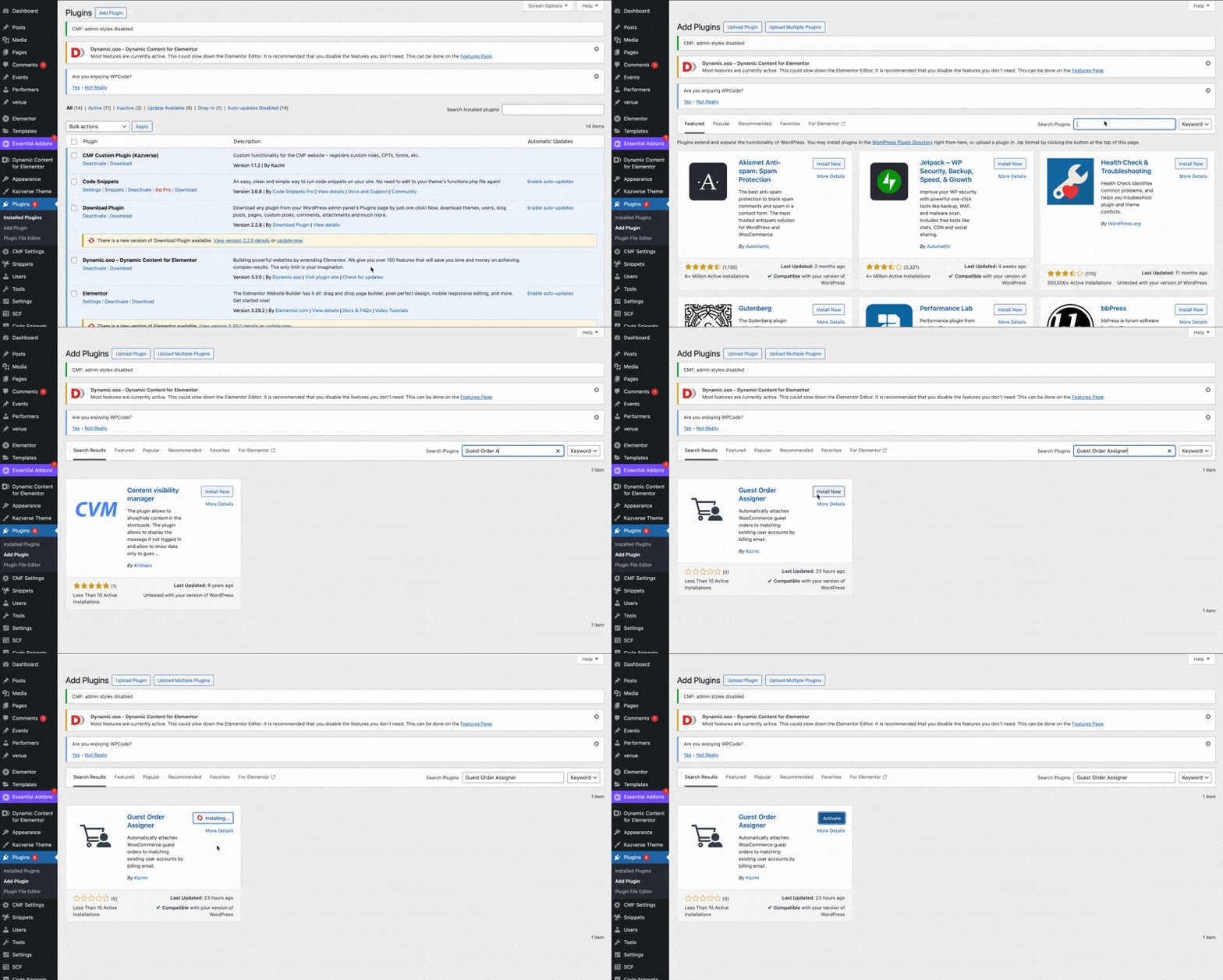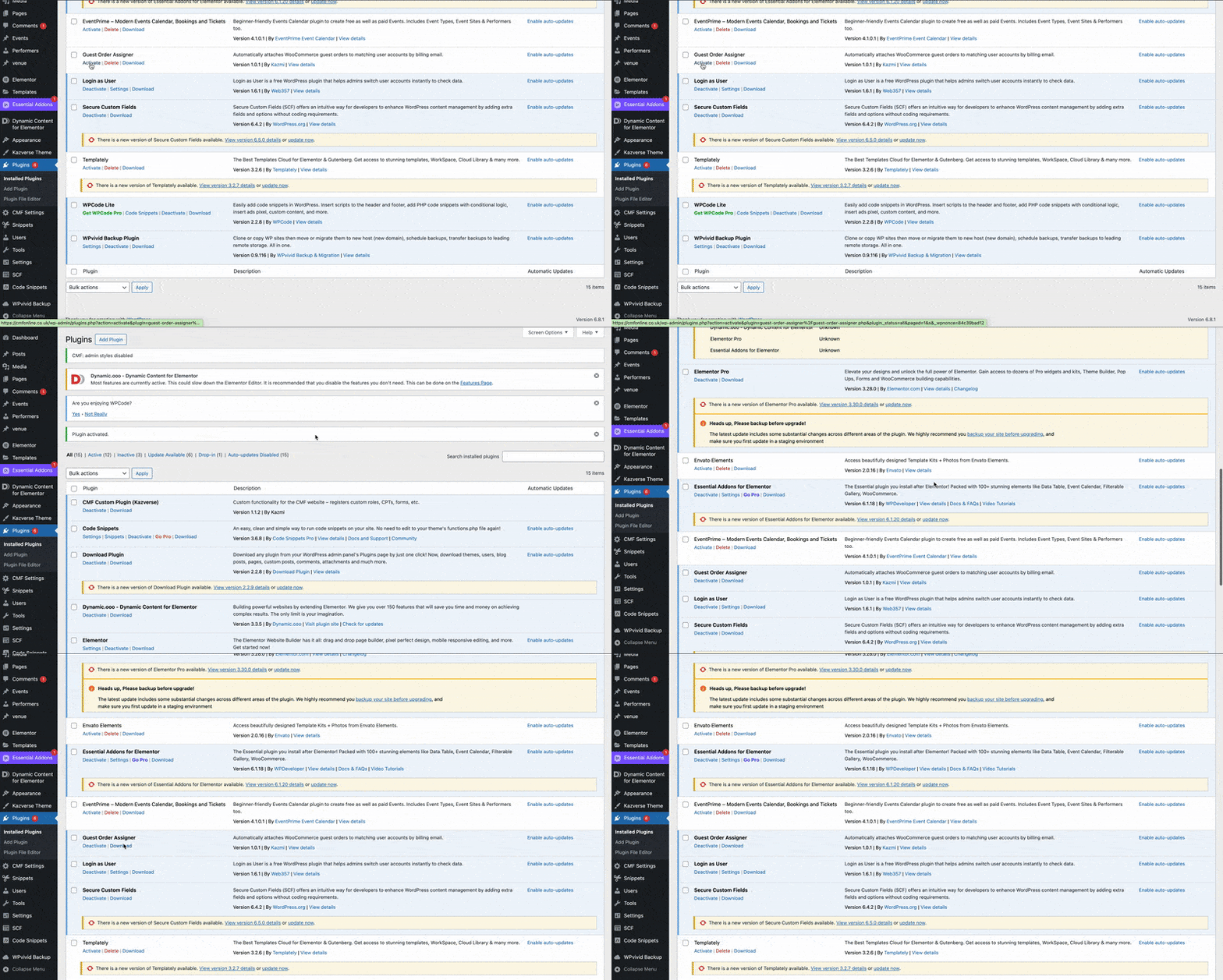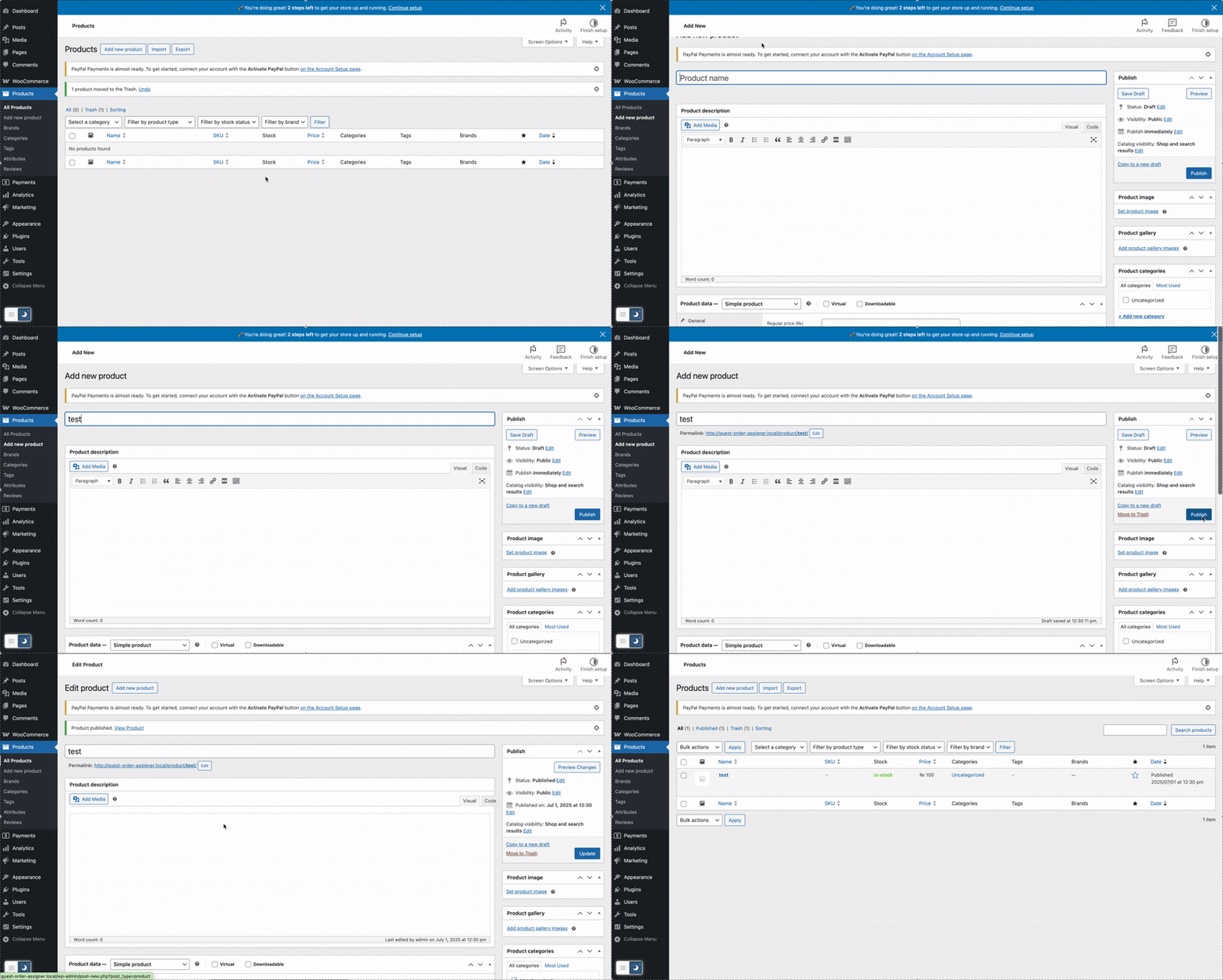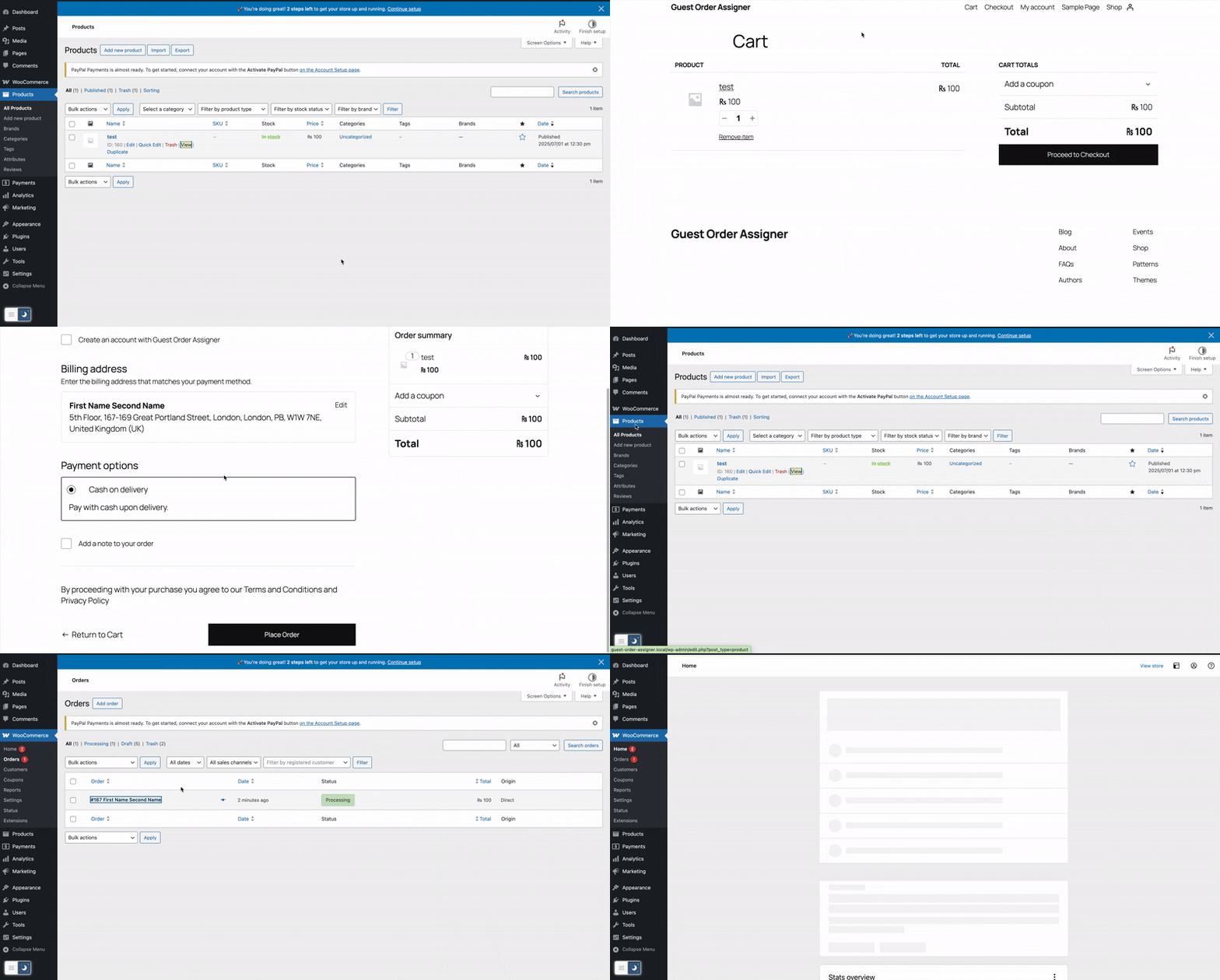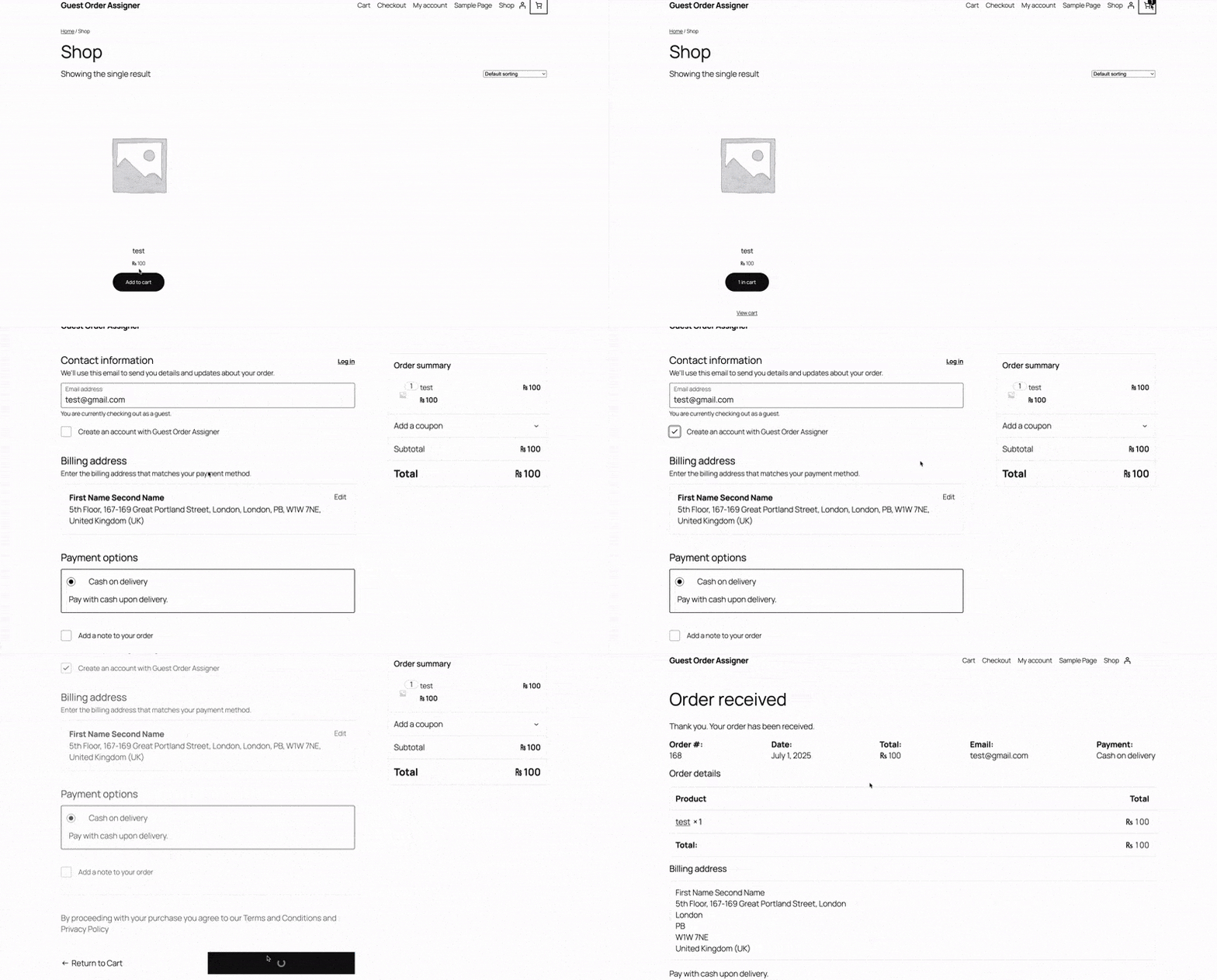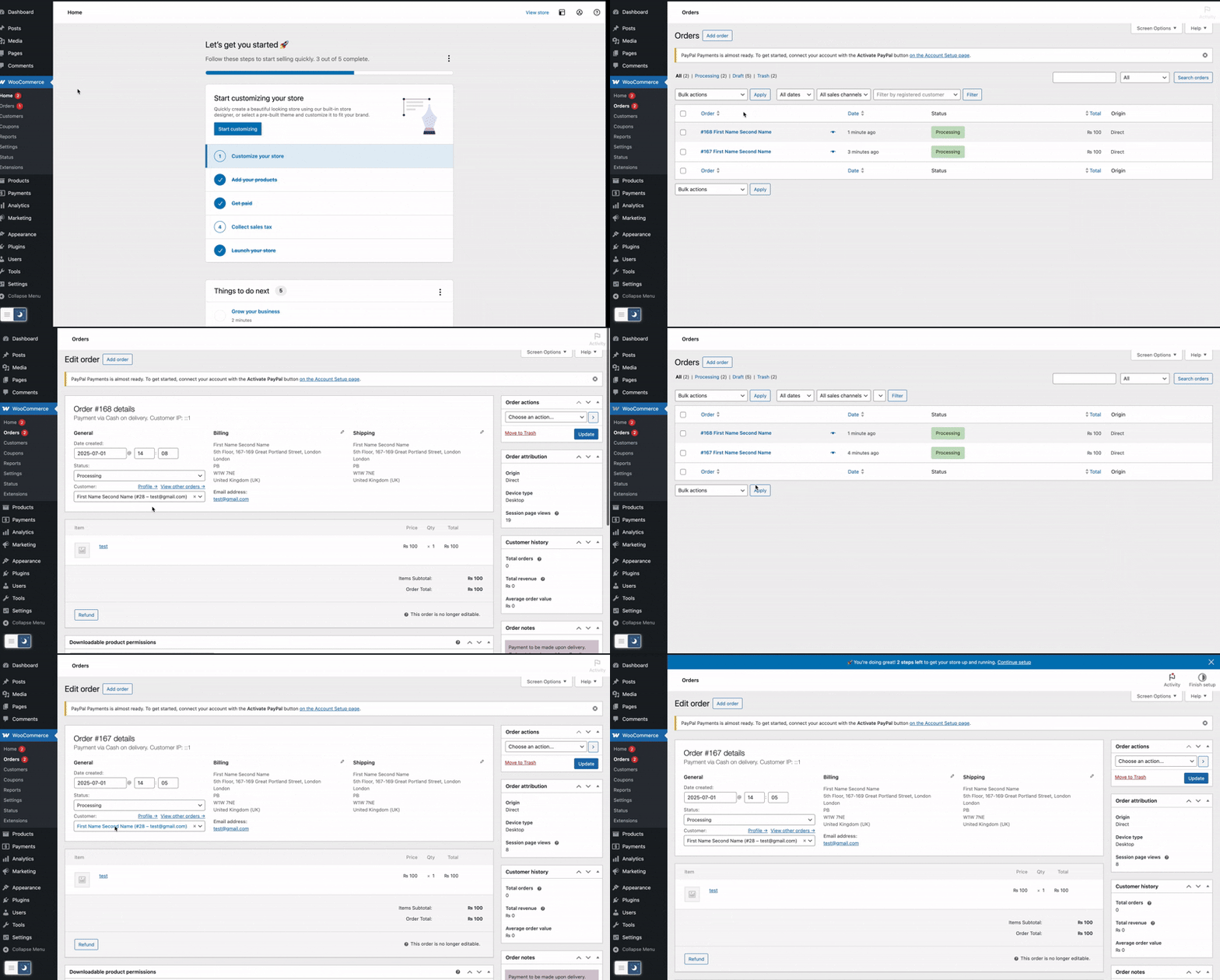


















When a customer checks out as a guest in WooCommerce, Guest Order Assigner will look for a user account with the same billing email and, if found, reassign the order to that user.
Key benefits:
 Instant Assignment – New guest orders with a matching email are immediately linked to the customer’s account.
- Historic Back-fill – On user registration or login, all past guest orders with that billing email are attached.
- Zero Configuration – Works right out of the box; no settings to tweak.
- Developer Hooks – Extend or customize via actions before/after assignment.
 Instant Assignment – New guest orders with a matching email are immediately linked to the customer’s account.
 Historic Back-fill – On user registration or login, all past guest orders with that billing email are attached.
 Zero Configuration – Works right out of the box; no settings to tweak.
 Developer Hooks – Extend or customize via actions before/after assignment.